
Obtaining MAAD-AF
MAAD-AF is available publicly, and anyone may clone it – including users of this lab! This module will walk users through the process of how to retrieve MAAD-AF either by cloning the GitHub repository or by downloading a zip file. Both methods will be covered by this module.
If you are familiar with git and how to clone repositories from GitHub in
general, you are probably fine to proceed to the next module in this lab.
Method 1: Clone the MAAD-AF repository from GitHub
Open a PowerShell window as Administrator on your Windows host, and navigate to your desktop:
cd ~\DesktopValidate that the
gitcommand is installed.
If not installed, the following command can be used to install it (Win10+):
winget install --id Git.Git -e --source wingetRestart your Powershell window.
Clone the MAAD-AF GitHub Repository:
git clone https://github.com/vectra-ai-research/maad-af.gitNavigate into the newly-created
MAAD-AFfolder:cd maad-af
Method 2: Download MAAD-AF from a zip file
Open an internet browser and visit the MAAD-AF Github Repository. Also, searching for
MAAD-AFon pretty much any major search engine should present the link to the Github repo as the top result.Click on the blue
Codedropdown, and then select the “Download Zip” option.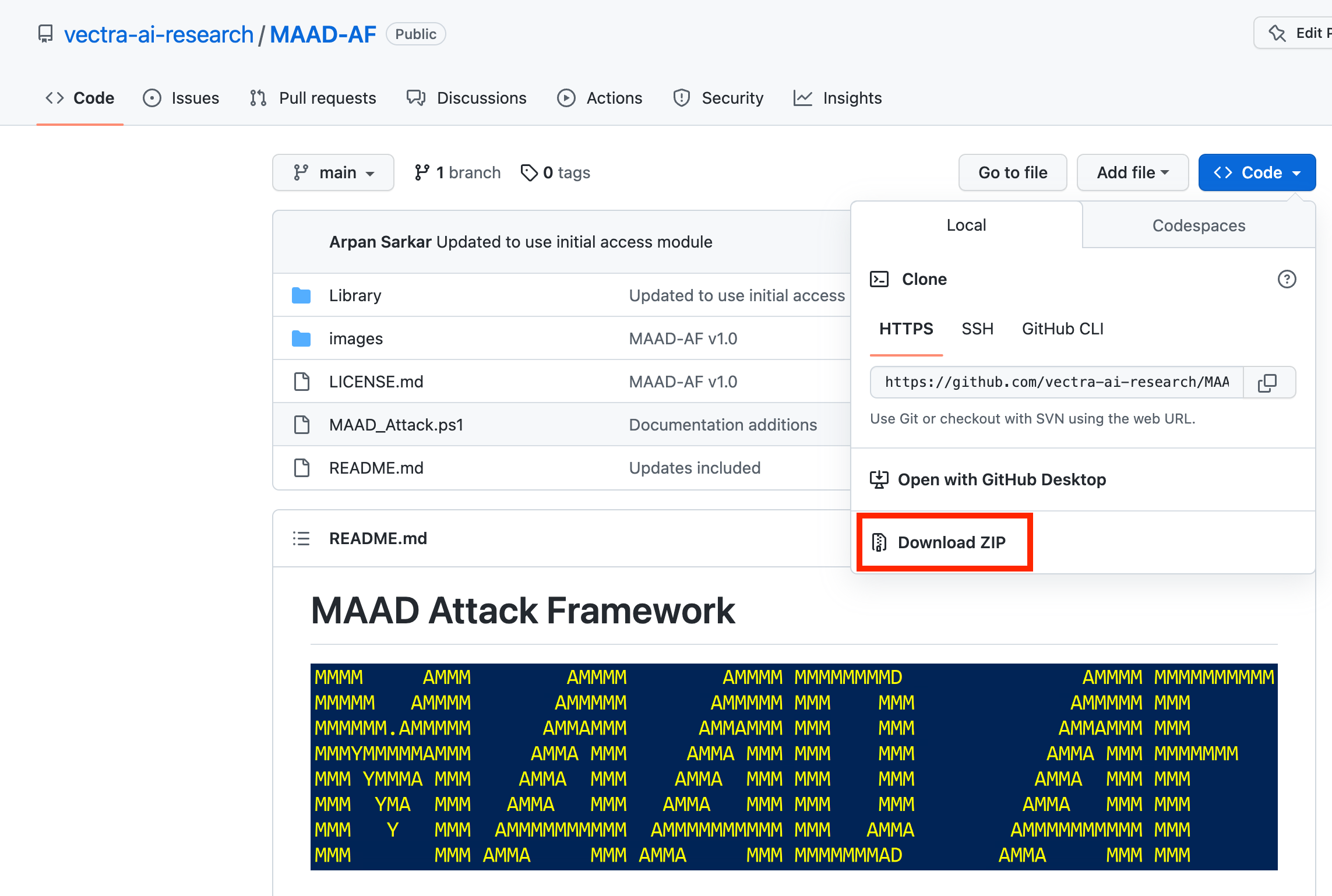
Extract the folder anywhere on your Windows machine, launch a PowerShell window, and navigate into the folder where MAAD-AF was extracted.